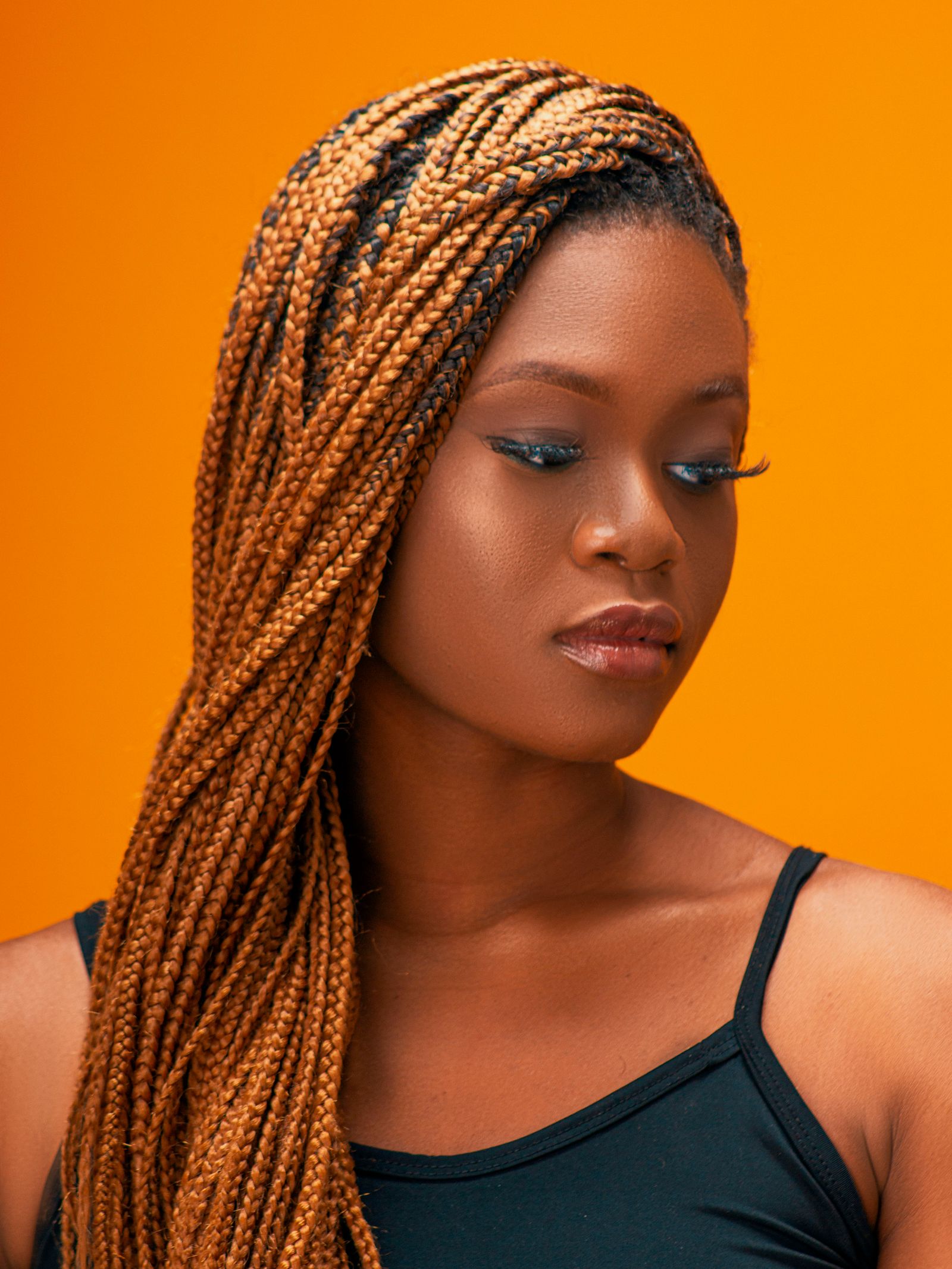
Braided Space Buns
- Braided Updo
- 2-3 hrs
Swipe · Save · Slay
A photo does not tell you what the style is called, what it costs, how long you will sit for it, what is in the products, or who near you can do it. So the look sits in a camera roll with four hundred others and nothing happens. Here is what happens instead.
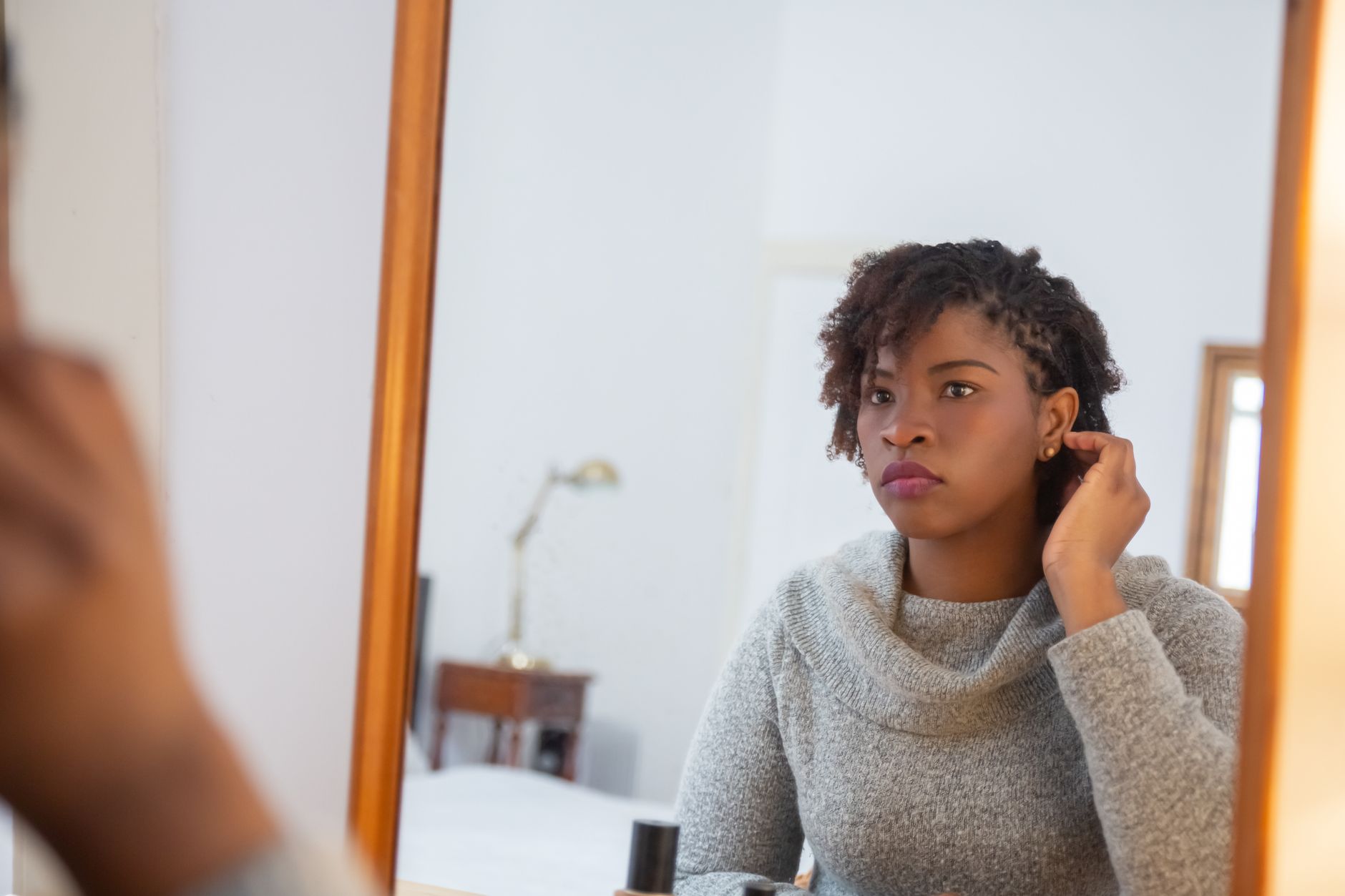
A feed of real hair looks — braids, twists, locs, natural, straightened, colour, updos, wigs. Right to save, left to skip.
The feed is hair only. That is the whole editorial policy: no nails, no makeup, no lashes, no outfit inspiration. Every card is a look somebody could actually ask for in a chair.
Each photo is licensed and credited to the photographer who took it — tap the credit and it opens their page. None of them are customers, because there are no customers yet.
Everything you keep lands in your vault, organised into boards you name.
A saved look is not a screenshot. It carries its breakdown — what the style is actually called, its family, the colour if there is one — plus the products in it and, where there is one, the tutorial.
It also carries its clock. Save knotless braids and the app knows they want washing about every two weeks and taking down around week seven, because the style itself knows that.
Shop the exact products in the look, or book the stylist who can do it.
From a saved look you can check a product label against how you actually wear your hair, keep a shelf of what you own, set the reminder the style needs, compare it against the other look you are torn between, and search the directory for someone near you who does it.
Where a stylist has claimed their listing you can hold a slot with a deposit. Everywhere else you get the business's own phone number, and the app says plainly that it has no relationship with them.
The feed, today
This is what is actually live in the app right now, not a mock-up of a fuller one.
And then
Search hair businesses by city and specialty, see who can actually be booked, and call the rest.
Track what you own — have it, running low, finished — and re-buy from the merchant.
Hold a slot with a deposit, see what is waiting on you, and cancel against a policy that actually refunds.
Wash day and takedown, on the schedule your style is really on.
Paste a label and get a fit score for how you actually wear your hair — not a universal good/bad list.
Two saved looks, side by side, before you commit six hours to one of them.